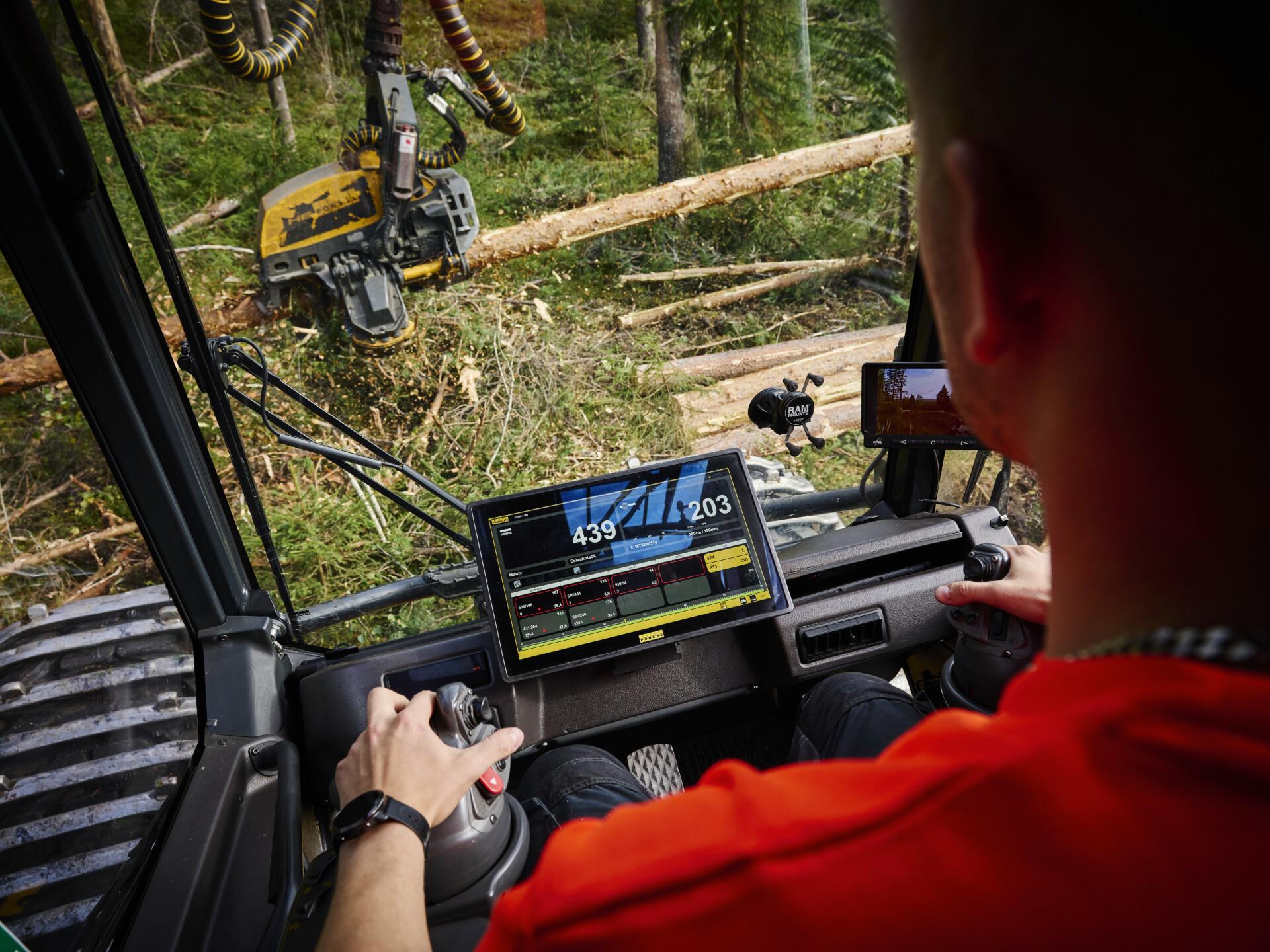
Evolving and free real-time program — Manager 2.0 uses data generated by forest machines
What assortments, what tree species and how many trees have been cut at a
logging site? How much fuel has been consumed, what is the distance driven, and
when will be the next maintenance on the machine? Where is the harvester right
now? Should a forwarder already be sent to the site? How can I make the work
of machines and operators more efficient? What are the total costs or carbon
dioxide emissions of a particular site? Manager 2.0 brings all this data and much
more to your mobile phone or desktop.
Remote monitoring of PONSSE forest machines is not actually any new thing. Already in 1993, data on the felling volume and the assortments cut could be directly sent to the
sawmill from a harvester. This was six years before the term Internet of Things was even invented! The third generation Manager 2.0 was demonstrated in March 2024.
“Modern forest machines generate massive amounts of data. With Manager 2.0, the data produced by forest machines can be utilised, it is visualised in the form of reports, and the data can be used to develop contractors’ business. Manager helps identify any
areas that can be developed and monitor the effectiveness of development measures,” says Petteri Tuomisto, Sales Manager for Digital Solutions.
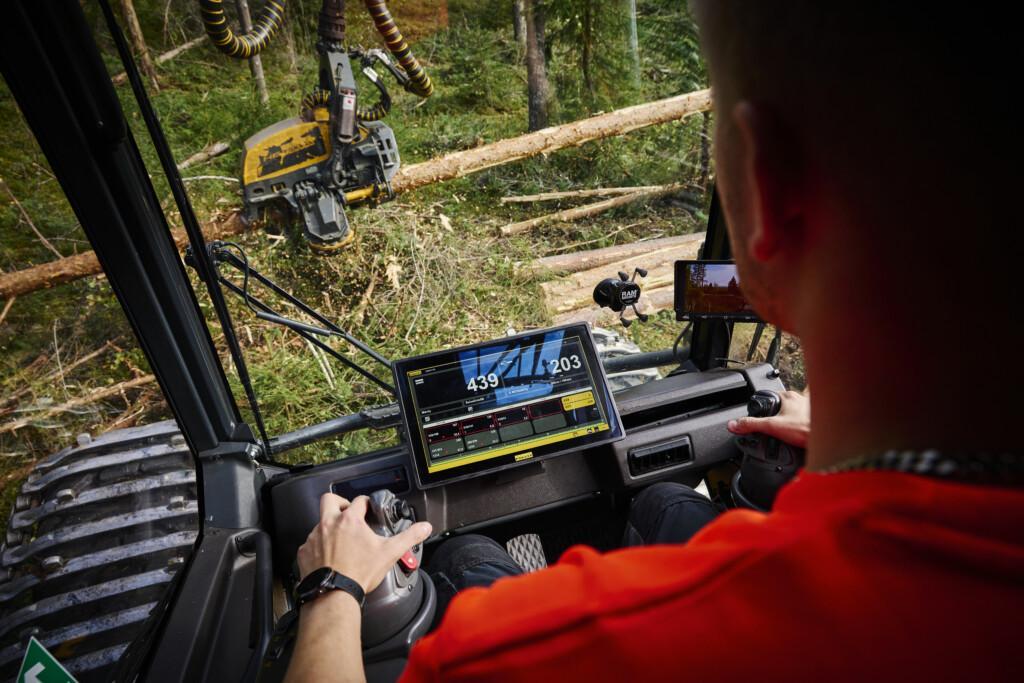
A huge number of parameters can be monitored: fuel consumption, driving distance, time management, production, and much more. They can be compared and monitored
by machine, operator, season or even worksite. This data can help in logging site planning, operator training, contract pricing, and overall optimisation of operations.
“When a contractor started to use Manager, they immediately saw from sawing times
that the machine they were using at a worksite was too small. Another contractor was able to immediately improve forwarder efficiency when they saw the distances driven.” Manager can be used via an app downloaded on Android or Apple devices or via a web browser on any computer or similar device connected to the Internet. The mobile app is particularly handy for operators to monitor their machine. In contrast, the larger screen of a desktop allows contractors to monitor the performance of several machines.
Why pay when you can get a good one for free?
While there are programs you need to pay for to use them, why would you when PONSSE Manager 2.0 is one of the best there is and completely free of charge? There is no financial risk in starting to use the program. Instead, it can bring significant financial benefits.
“Manager belongs to customers, not forest companies. All data belongs to contractors who can decide with whom to share it, which part of it to share, or whether to share any data. Even we at Ponsse cannot see customers’ data unless they give us access to it.”
Manager 2.0 is constantly evolving, with new releases coming almost every week. Recent additions include new languages and American metrics, i.e. gallons and miles.
Manager 2.0 is easy to use
Using Manager 2.0 is easy. You can get it by contacting your Ponsse dealer, who will
help you order your identifiers. After that, you can log in to the program online and
download the mobile app from the Google or Apple app store.
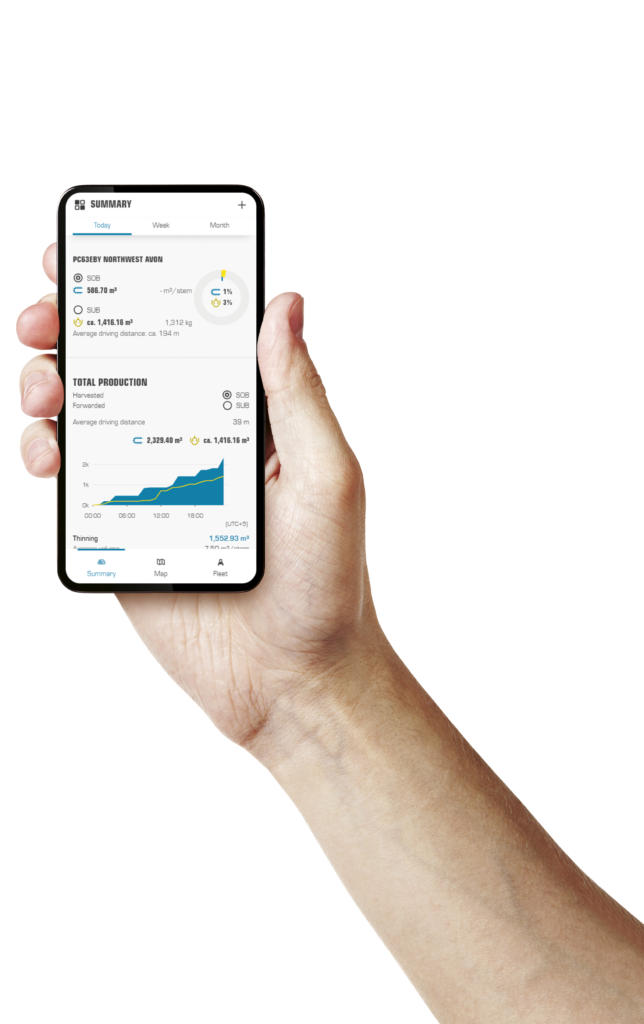
“The first view is a summary page where you can see everything you need to know
at a glance. You can choose what data is shown on the summary page. The second
page shows machine data over the last 24 hours by machine, operator and worksite.
On the third page, you can find all detailed data over the exact interval you want.”
The manager can be connected via an application programming interface (API) to other
systems such as the Power BI reporting program or the SAP ERP system. The API
carries a separate charge.
Maintenance, guidance and spare parts
The system also helps you in machine maintenance in many ways. It includes a spare
parts store, maintenance reminders and an electronic Service Manual. Ponsse Active
Manual, a free app available for downloading from the Google or Apple app store, also
helps in the maintenance and efficient use of machines. Active Manual also includes
operating instructions for the forest machine information system and Manager.
Several new features will be added to Manager in the future. Many features are already being developed to improve cooperation between machines. The increasing use of AI to help contractors lies a little farther ahead.
“We offer not only Manager but also the MultiFleet program in some countries such as Brazil. It is similar to Manager but uses a satellite link and can also be installed in machines other than PONSSE forest machines, including competitors’ machines
or excavators. However, it does not provide quite as much machine-specific data as
Manager 2.0.
Manager 2.0
- Works on the Internet or as an app on a mobile phone or desktop computer
- Shows all the data generated by forest machines
- Customers own the data and decide who to share it with
- New features are constantly added to the program
- Ponsse’s digital services in a single place
- The program is free of charge
- Different access right levels for contractors, maintenance employees,
operators and lowbed drivers
How to start using Manager 2.0
- 1. Contact your Ponsse dealer
- 2. You will receive your identifiers in a couple of days by email.
- 3. Log in to the service online and download the app on your mobile phone.
- 4. Start using Manager 2.0.
Lear more: Ponsse Manager 2.0